Slop Cloud
Our robots,
on tap.
The tools we build for our own work, opened up to the Kempu teams and friends we invite. One account, one sign-in, and the apps your team has.
Accounts are by invitation only

01 — In the cloud
One job each.
One kitchen.
Each one does one job in the marketing we run for the Kempu brands. Client Hub knows how the brand talks and CVI how it looks, the others build on what they know, and your AI agent works across all of them.

01 — Know
Client Hub
Who each brand is, who it is for and how it talks, compiled into one AI brief that people and agents write from.

02 — Look
CVI
How the brand looks, kept as a brand book: logos, colours, type and pictures that people browse and every agent follows.
03 — See
Moodboards
What the work should look like: pictures, type, colour and references, with notes a model can read and pictures it can see.

04 — Teach
Skills
How the work is done, written once as skills that every AI agent in the company picks up and follows.

05 — Plan
Social Media
What goes out when: queues that post at their weekly times, a calendar, approvals, and how every post did afterwards.

06 — Serve
Social Poster
Posts and threads drafted, polished and published to every connected account at once, after a person says yes.

07 — Measure
SEO Audits
Whether the right people can find the work, measured against the searches they make, and what to fix first.
02 — The machine
Loose tools.
One machine.
Most marketing tools are islands. One clever trick each, and none of them knows what the others know, so a person carries the brand from one tab to the next. We are building the opposite: one connected stack of models and agents that runs the routine marketing for every Kempu brand, while people keep the taste and the final yes.
Slop Cloud is where that machine gets built, one station at a time. Each app is useful on its own today. Each one is also a place an AI agent can read from and work in, with the same brief, the same taste and the same rules as the people next to it.
01
Know the brand
Client Hub holds who the brand is, who it is for, what they search for and how it talks. It becomes one AI brief, and every agent starts there.
02
Look the part
CVI keeps how the brand looks as a brand book: logos, colours, type and pictures. The one in use is the source of truth, and agents hear about it first.
03
See the taste
Moodboards show what the work should look like. Notes on everything, pictures a model can look at: taste in a form a machine can follow.
04
Teach the robots
Skills holds how the work is done: the checklists, recipes and house rules, written once. Every agent anyone in the company connects picks them up and works that way.
05
Plan it
Social Media fills the week. Queues post at their own times, suggestions wait for a reviewer, and analytics says what worked.
06
Serve it
Social Poster takes a draft to every channel at once, each within its own limits. The agent can write it. A person says yes.
07
Measure it
SEO Audits checks whether the right people find the sites, against the searches Client Hub says they make, and ranks what to fix first.
Running through it
Your agent, at every station
Connect Claude, ChatGPT, Codex, Cursor, Gemini CLI or any agent that speaks MCP. It signs in as you, works only in the workspaces you choose, does only what you allow in each, and picks up a skill for each app you have and every skill your company shares in Skills. Before it writes a word, designs anything or makes a picture, it looks up the brand’s CVI, brief and boards by itself. Posting in public is a permission of its own, and the agent is told to ask you first.
The machines do the typing. We do the tasting. Why we are building it: Built in-house, on purpose.
03 — Around the apps
Every ticket.
One pass.
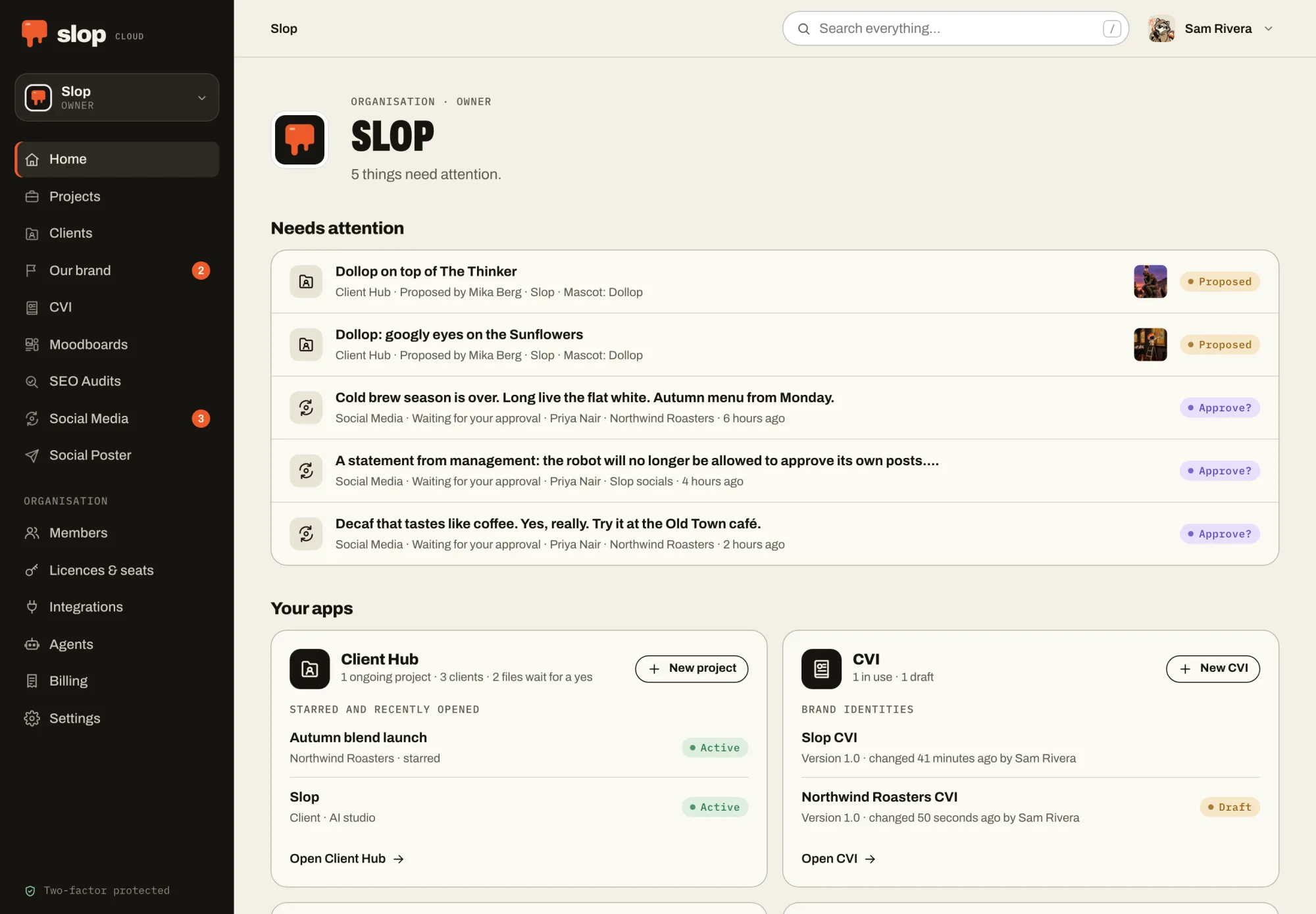
The apps share one portal. Its home shows what waits for you in every app, one search box finds anything in any of them, and your agent works in exactly the workspaces you choose.
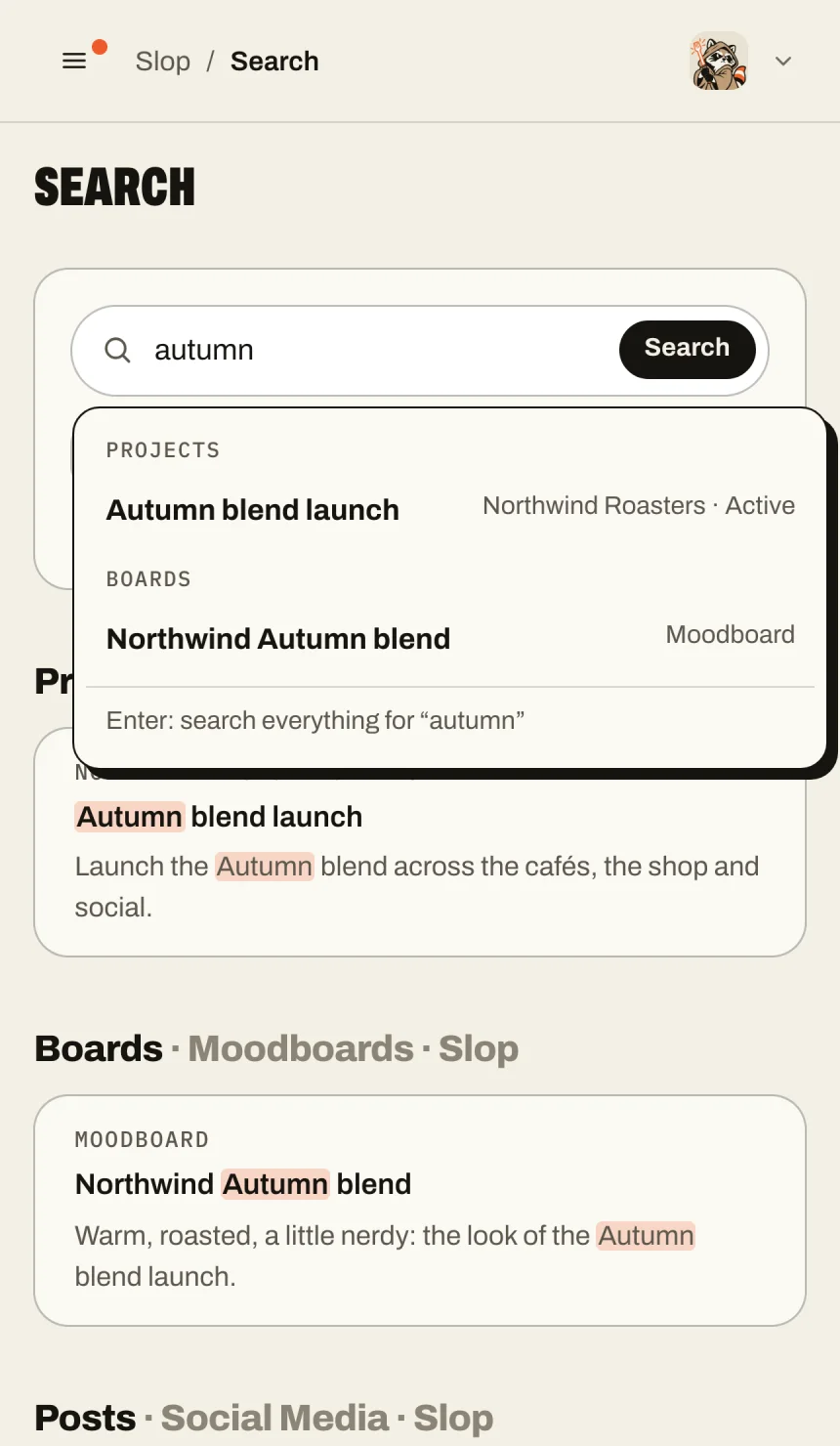
One search, every app
Clients, topics, CVIs down to a colour’s HEX, boards, posts and audits, in every workspace you are in. Press / anywhere and type.
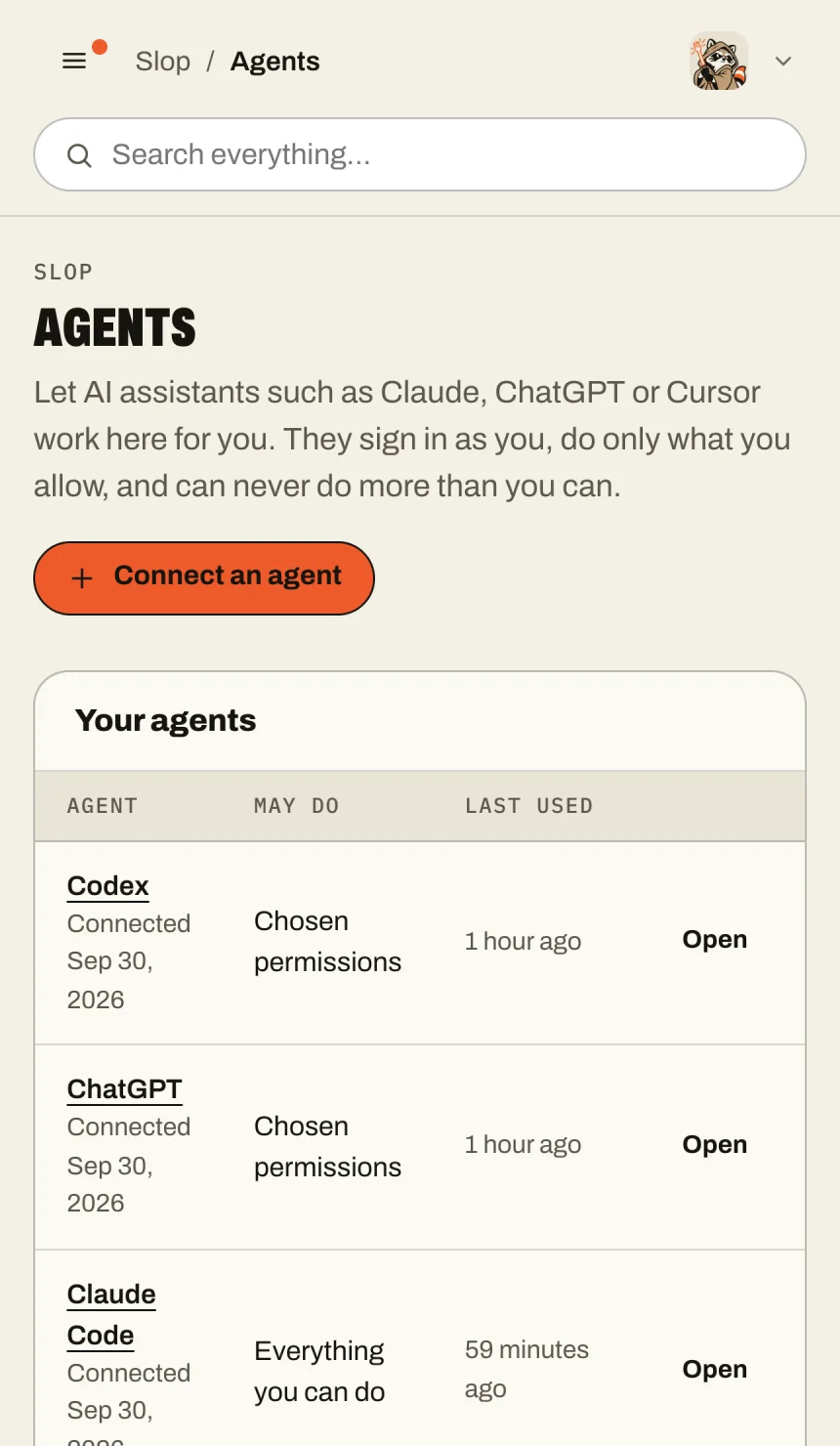
Your agent, per workspace
Connect Claude, ChatGPT, Codex or Cursor once, then choose where it may work and what it may do in each workspace: everything you can, or only what you tick.
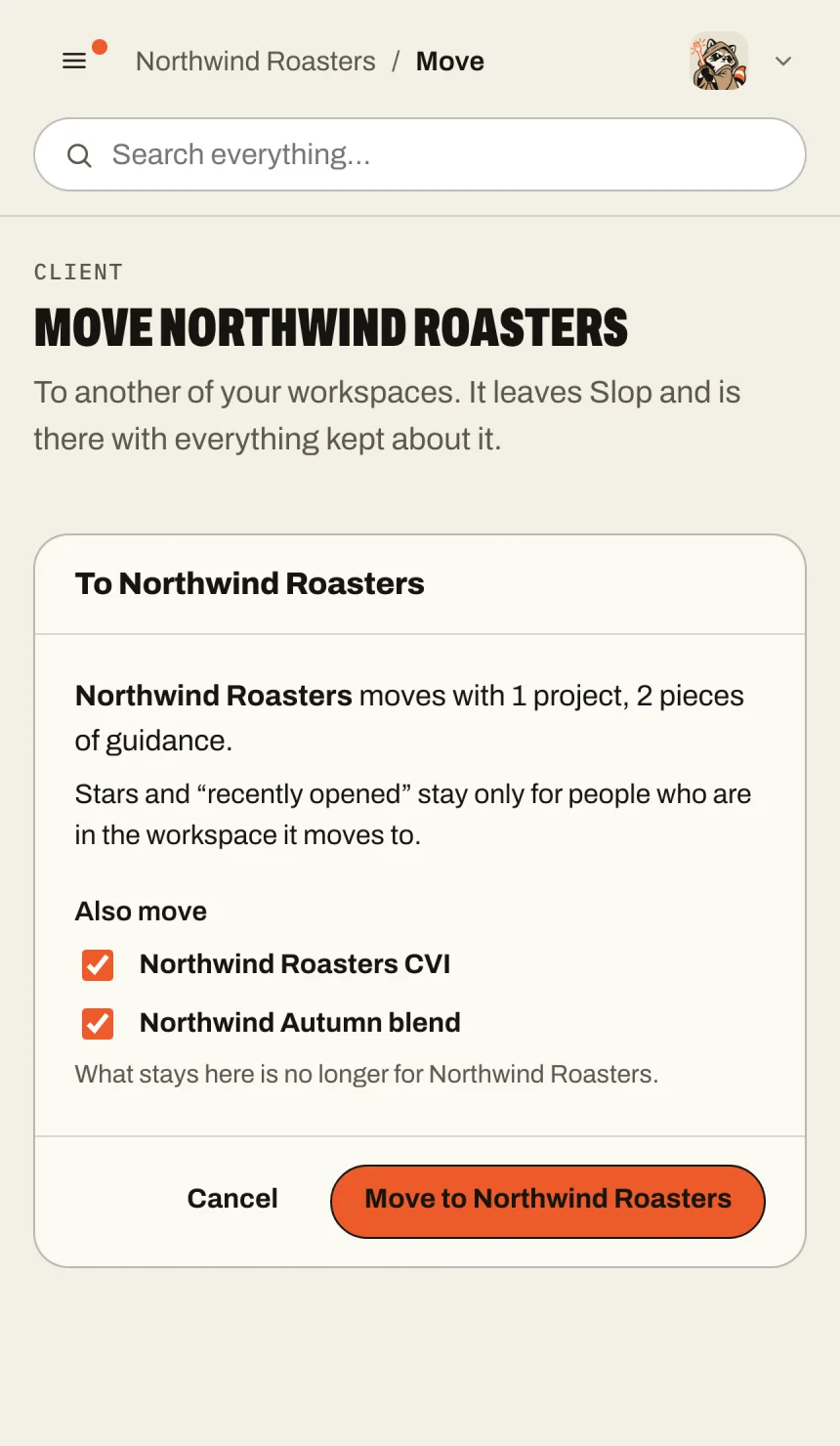
Move it, files and all
Clients, projects, CVIs, boards, audits, drafts and posts move to another workspace with their files and everything that belongs to them. Owners decide who may move things.
04 — Getting in
One account. Your apps.
A.
By invitation
Nobody signs up. You get an invitation from us, or from your organisation's owner or admin.
B.
Two-factor, always
Every account signs in with a password and a code from an authenticator app. No code, you shall not pass. Not even us.
C.
Workspaces
Work on your own or in your organisation. Each workspace has its own members, apps and connected accounts.