Slop Cloud · Moodboards
Taste,
machine-readable.
Endless boards of pictures, video, sound, type, colour, links and code that show what a brand should look and feel like. Notes on everything, so the people and the AI agents making the work are looking at the same taste.
Accounts are by invitation only
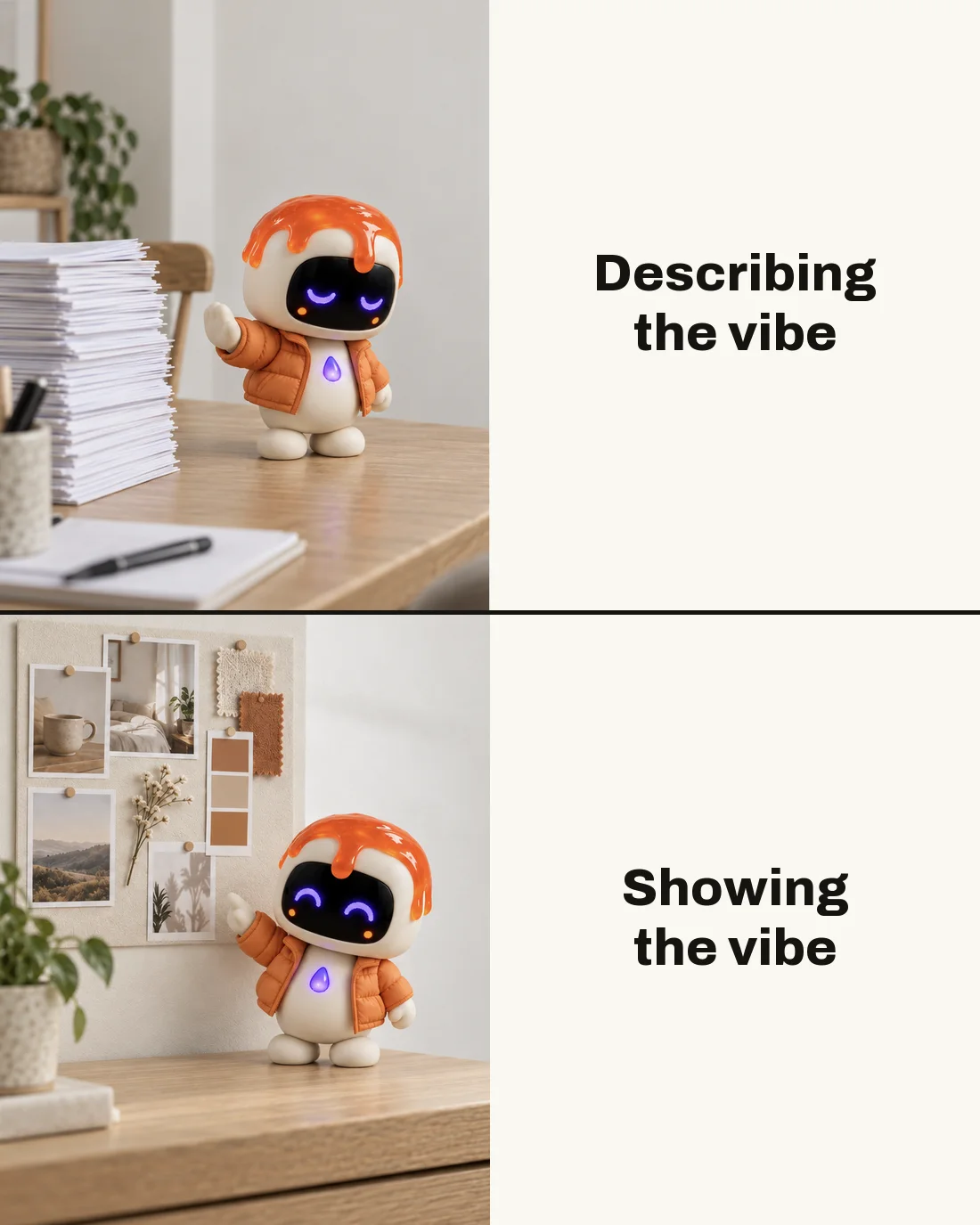
01 — What's inside
Pin it.
Say why.
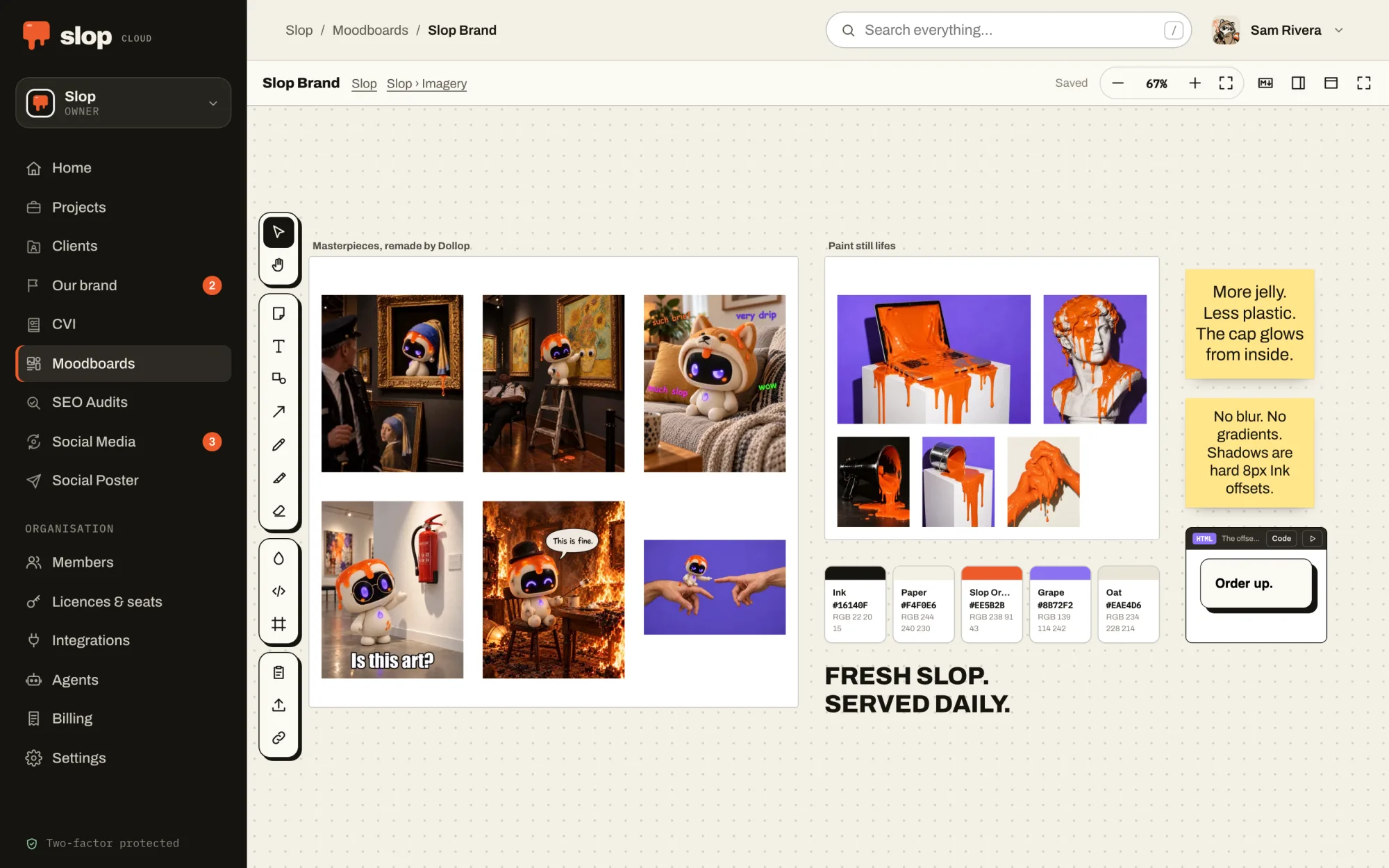
An endless canvas
Pan and zoom, arrange freely, group things in frames, draw, and join things with lines and arrows that hold on. Undo, redo, and copy between boards.
Paste anything
Pictures and files from any app, links that turn into cards, YouTube and Vimeo that play in place, colours and whole palettes, typefaces, sound and video.
Code that draws
Paste HTML, CSS, SVG or JavaScript and see what it draws, in a sandbox that loads nothing from anywhere. Scripts run only when you press play.
Notes on everything
Every picture, colour and card carries Markdown notes: why it is here, what to take from it, what to stay away from. That is the part the machines read.
Together, live
What the rest of the workspace and its agents change shows up on your screen as it happens, without reloading.
For a client
With Client Hub, a board can be for a client or a project. Their page shows it, and their AI brief names it.
02 — With your agent
Show, don’t tell.
The agent sees it.
Give your agent Moodboards and it reads a board as Markdown, frame by frame with every note, and looks at the pictures themselves.
It can add to a board too: references by address, notes, colours, code and frames, arranged where you asked, and it removes only what you asked it to. Reading and adding are two permissions you give or keep.
Connect one from the Agents page of your workspace. How agents fit in.
Things to ask it
- Look at the brand board and tell me what the new hero image is missing.
- Start a board for the spring campaign with these five references and a note on each.
- Add the palette from the brand guidelines as colours.
03 — In the machine
Human taste.
Machine hands.
Taste is the part we keep. Moodboards is how we hand it over: the direction a person chose, in a form a model can follow, next to the Client Hub brief that says how the brand talks and the CVI that says what it must look like. The machines make the variants. The board is what they are held to.
01 — Know
Client Hub
Who each brand is, who it is for and how it talks, compiled into one AI brief that people and agents write from.
02 — Look
CVI
How the brand looks, kept as a brand book: logos, colours, type and pictures that people browse and every agent follows.
03 — See · You are here
Moodboards
What the work should look like: pictures, type, colour and references, with notes a model can read and pictures it can see.
04 — Plan
Social Media
What goes out when: queues that post at their weekly times, a calendar, approvals, and how every post did afterwards.
05 — Serve
Social Poster
Posts and threads drafted, polished and published to every connected account at once, after a person says yes.
06 — Measure
SEO Audits
Whether the right people can find the work, measured against the searches they make, and what to fix first.